Guide · 2026
Best Slack Apps for Software Teams (2026)
Slack is the center of most software teams, but by itself, it's just chat.
The real value comes from apps.
The best Slack apps reduce context switching, automate workflows, and connect your dev stack (GitHub, CI/CD, alerts, tasks) into one place.
Below are the best Slack apps for software teams right now.
1. Mo - Decision-to-code enforcement (NEW CATEGORY)
Most tools track tasks.
Mo tracks decisions.
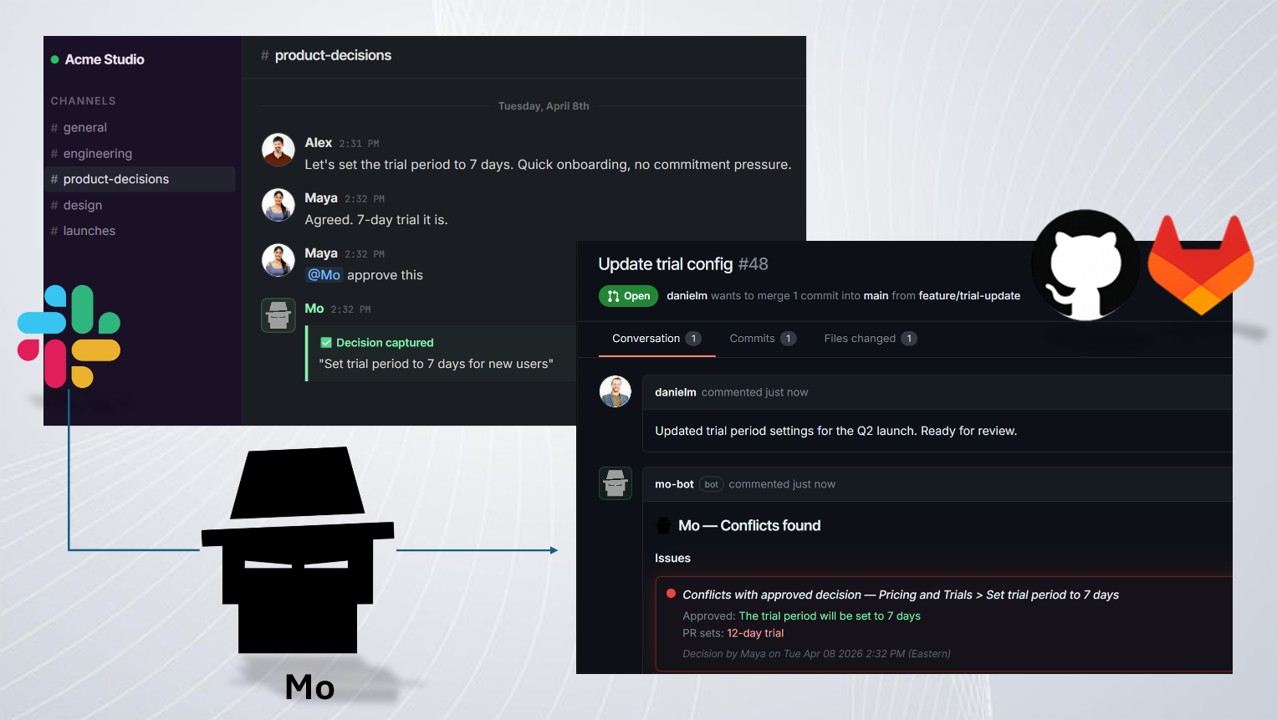
Mo connects Slack and your repo (GitHub / GitLab) and:
- Reads approved decisions in Slack
- Checks pull requests against them
- Flags conflicts before merge
Why it stands out:
- Catches what code review misses
- No workflow change (just @mention to approve)
- Prevents silent misalignment between product and code
Best for: Teams tired of "we agreed on X but shipped Y"
2. GitHub - PRs and code activity inside Slack
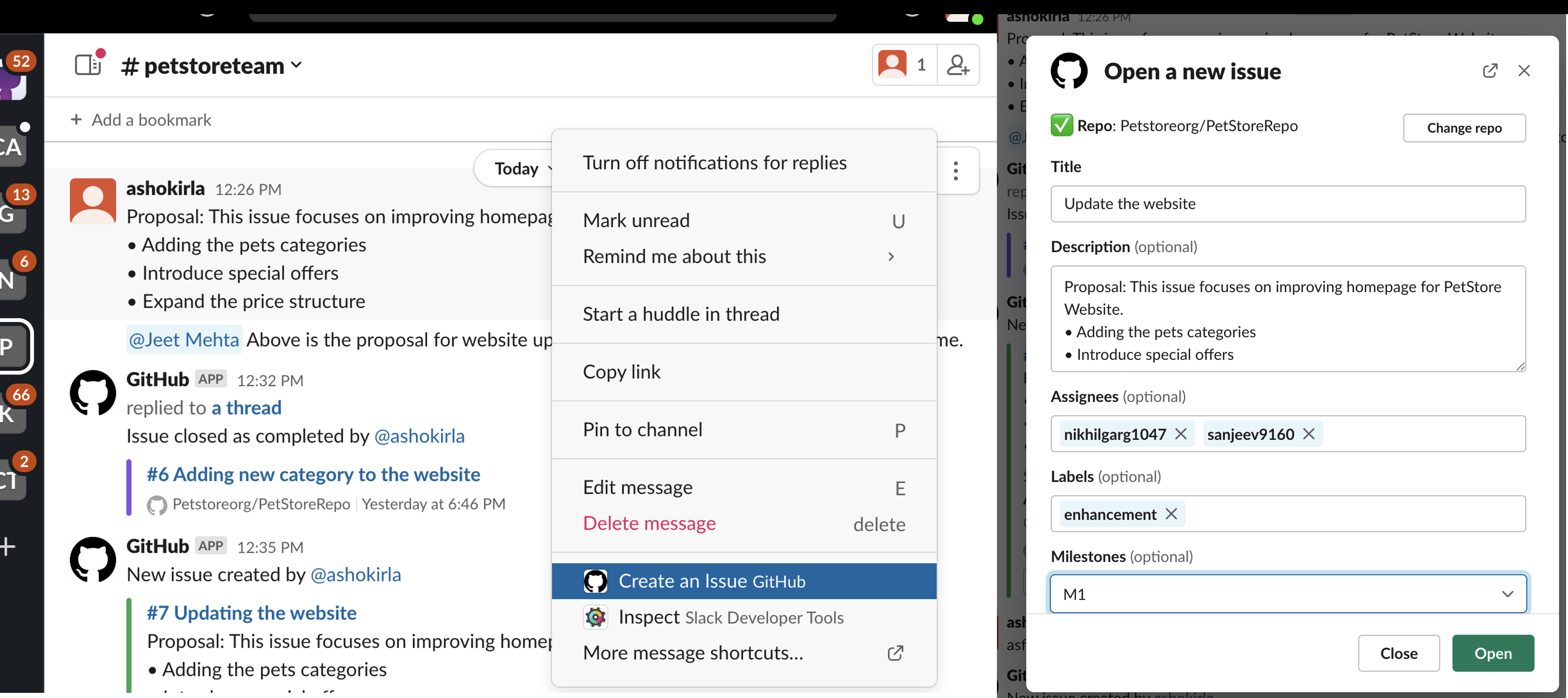
GitHub is the default integration for dev teams.
- Get PR notifications in channels
- Review diffs directly from Slack
- Track commits and deployments
Slack explicitly highlights GitHub integrations as core for reviewing code and collaborating without leaving Slack.
Best for: Keeping engineering activity visible to the team
3. Jira - Project tracking without leaving Slack
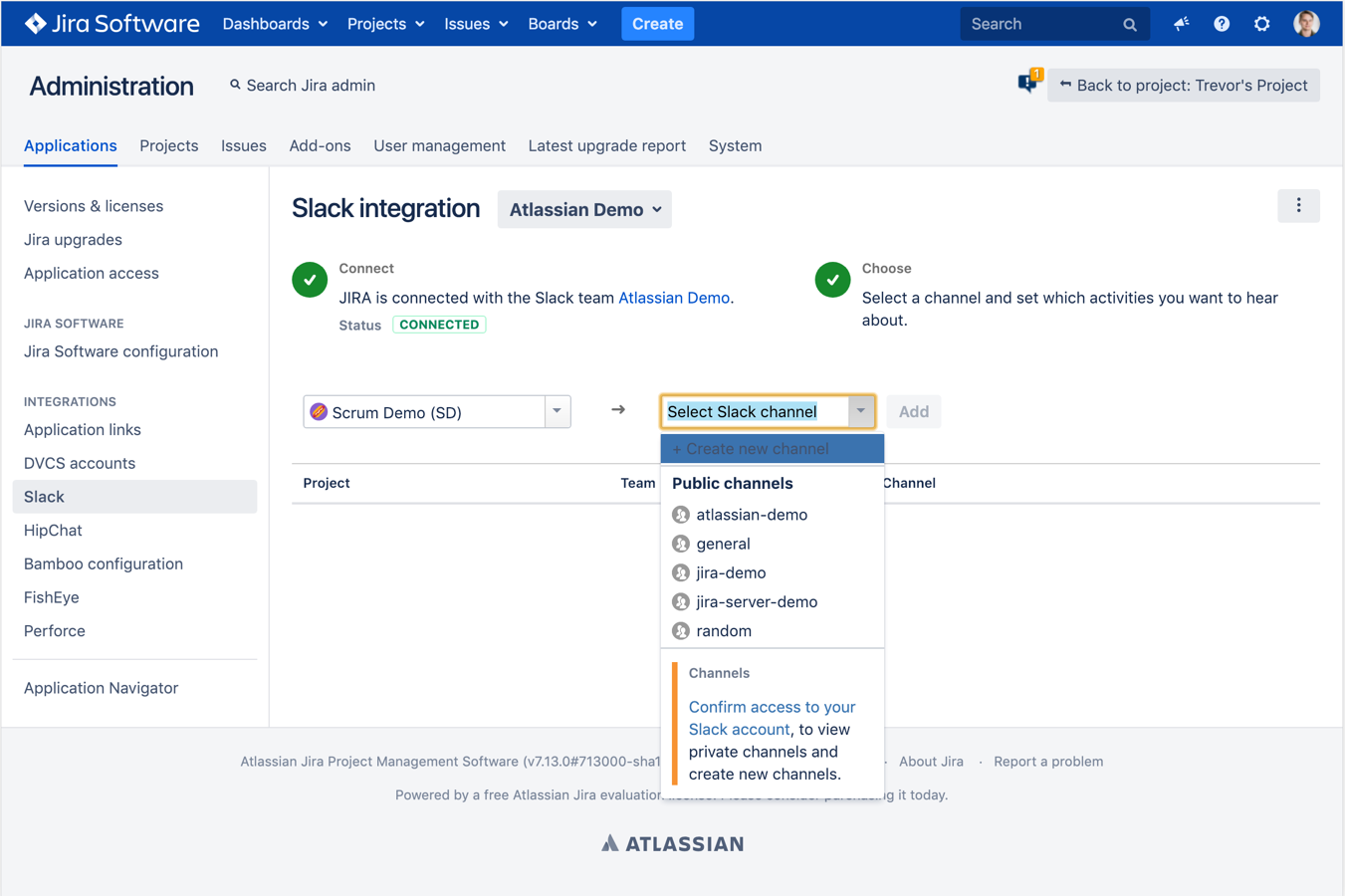
Jira + Slack is standard in most teams.
- Create and update tickets from Slack
- Get issue updates in real time
- Link discussions to tasks
It helps teams manage projects without switching tools constantly.
Best for: Structured teams with backlog + sprint workflows
4. PagerDuty - Incident response and alerts
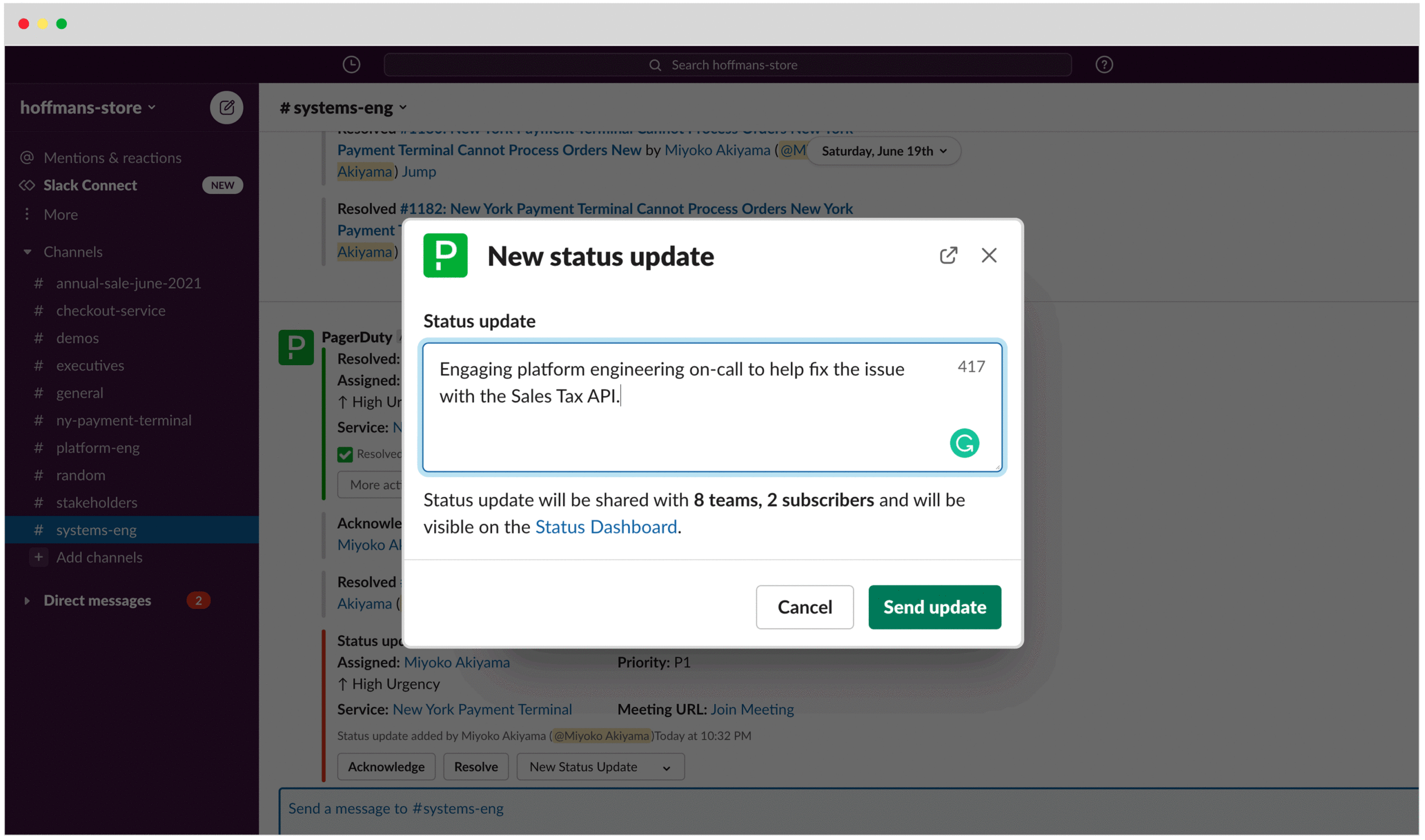
When something breaks, this is critical.
- Real-time incident alerts in Slack
- Escalation workflows
- On-call coordination
Best for: DevOps / production-heavy teams
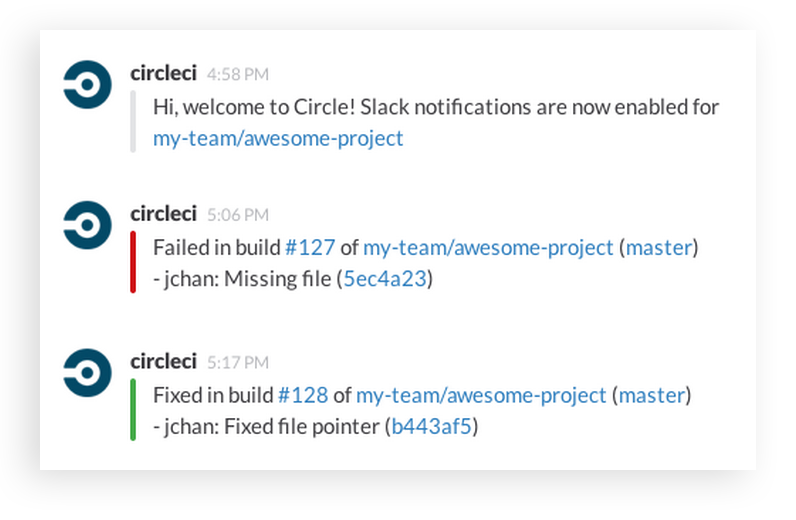
5. CircleCI / CI tools - Build and deploy notifications
CI/CD integrations keep everyone aligned.
- Build status updates
- Deployment notifications
- Failed pipeline alerts
Many teams start with Slack + GitHub + CI as their core stack.
Best for: Teams shipping frequently
6. Geekbot - Async standups
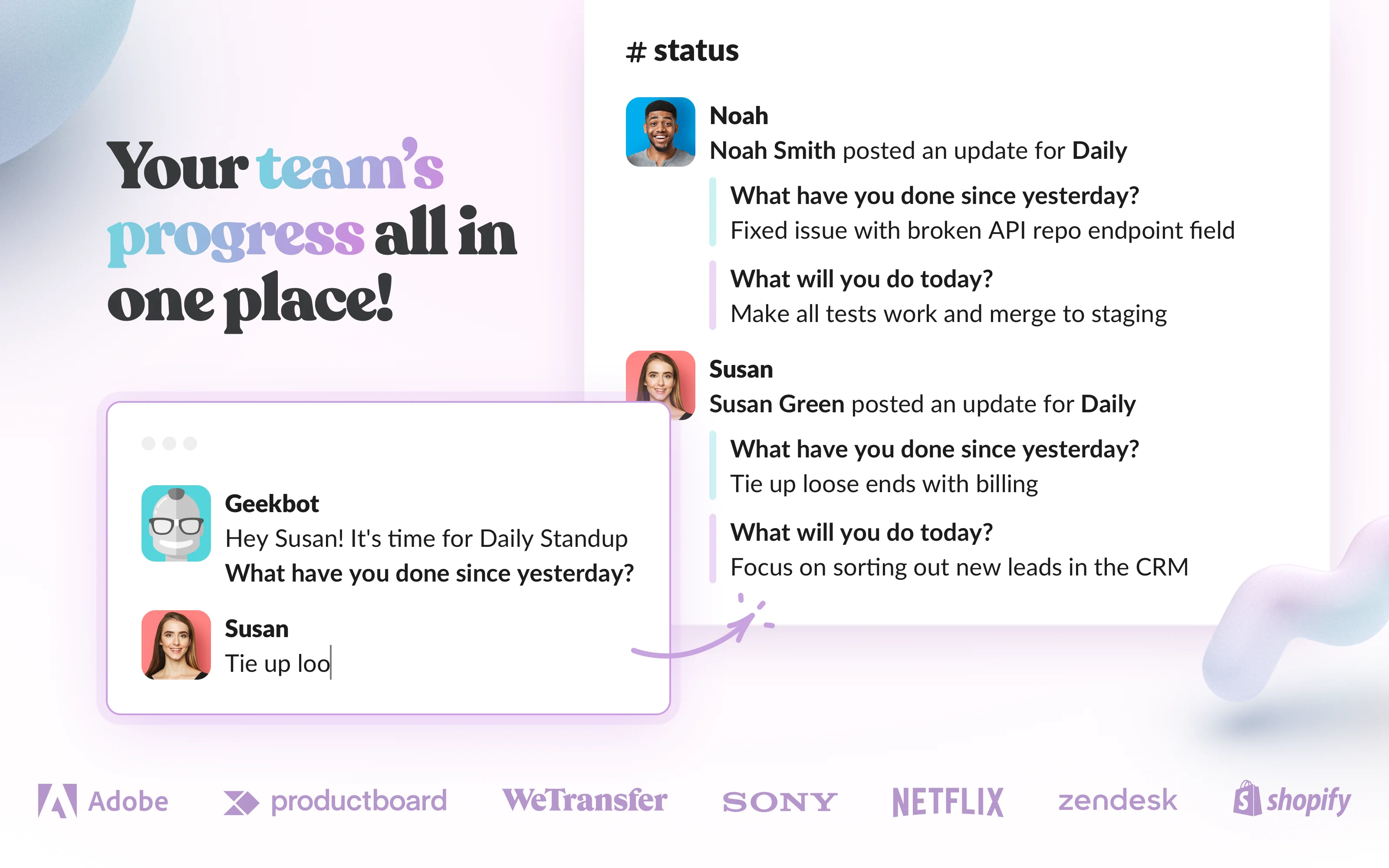
Standups without meetings.
- Daily async updates
- Automated reminders
- Team visibility across time zones
Best for: Remote teams
7. Workast / Task bots - Tasks directly in Slack
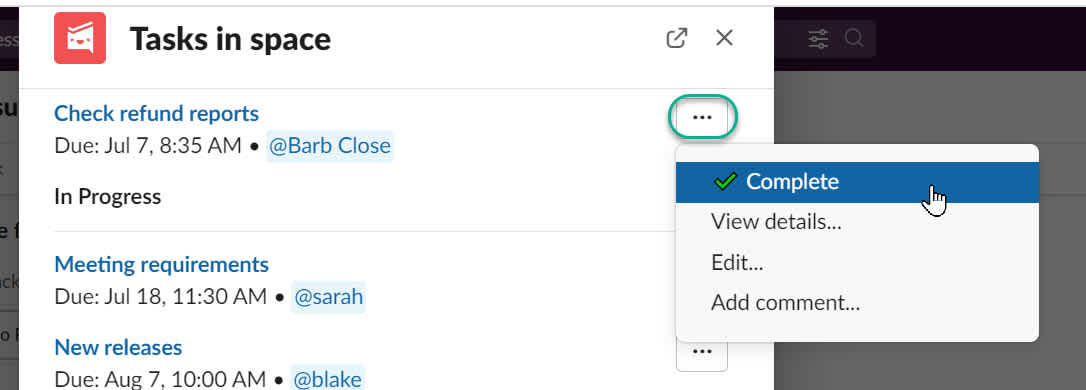
Turn conversations into tasks.
- Create todos from messages
- Track progress inside Slack
- Avoid jumping to PM tools
Tools like Workast help manage tasks without leaving Slack.
Best for: Lightweight teams or early-stage startups
8. Google Drive - File collaboration
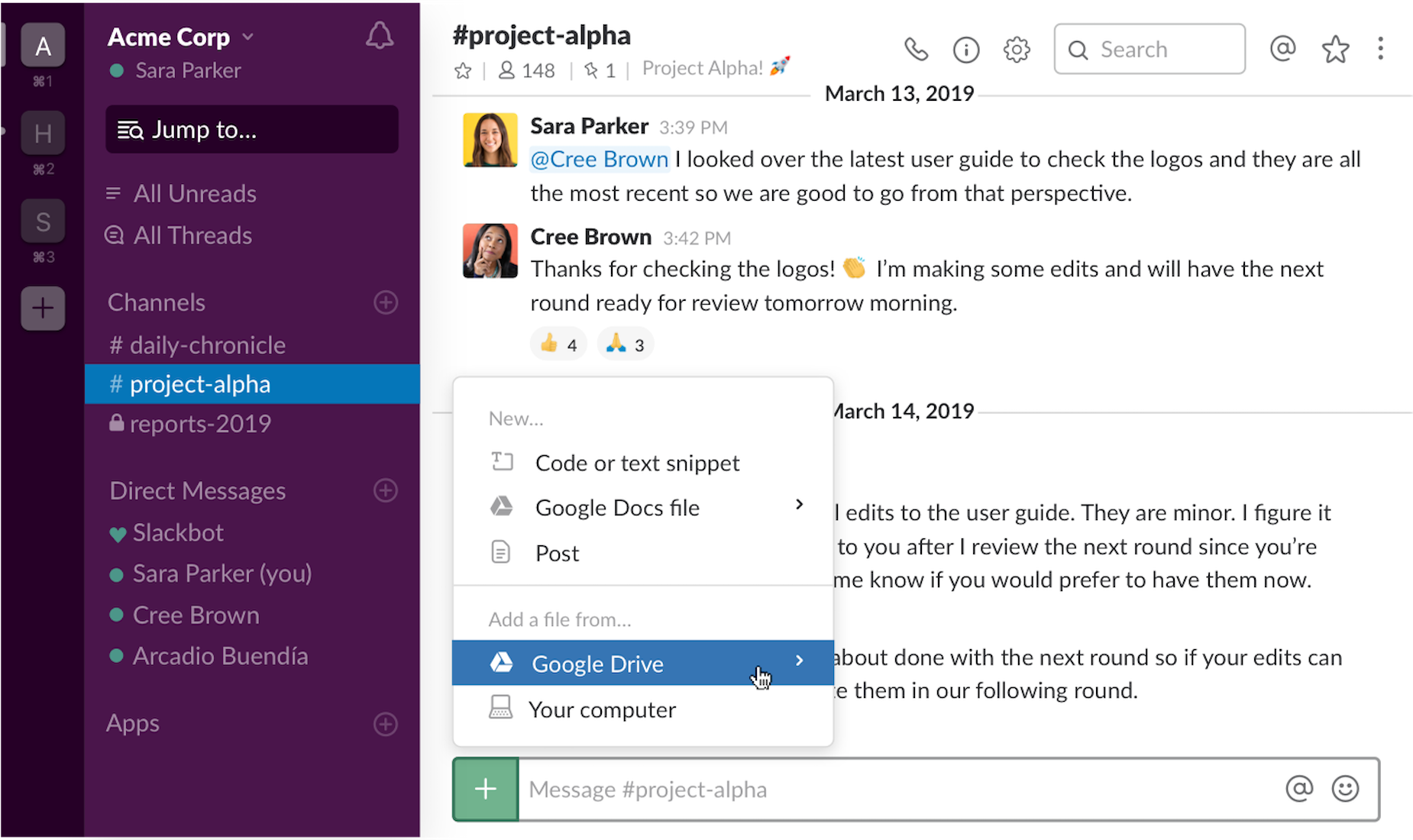
Simple but essential.
- Share docs instantly
- Preview files in Slack
- Manage permissions easily
Best for: Docs, specs, and collaboration
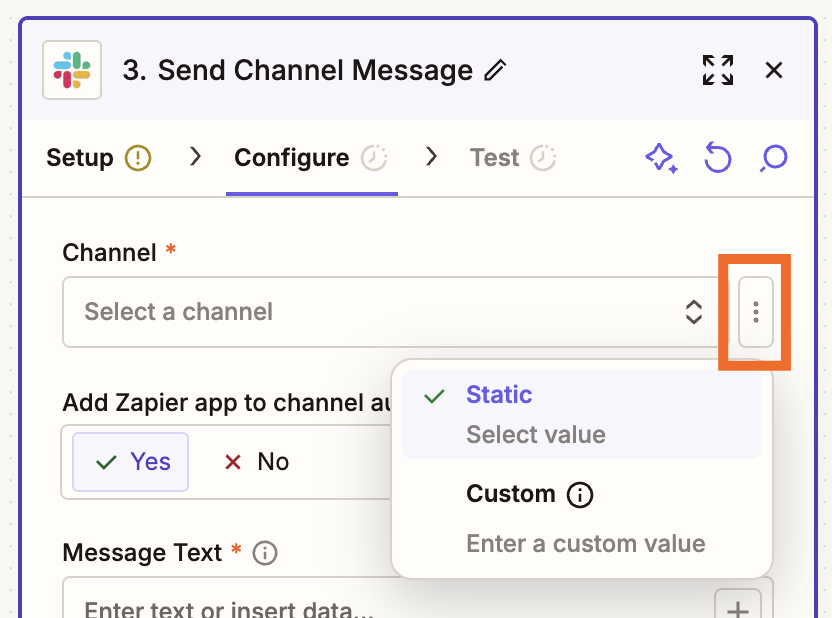
9. Zapier - Automation layer
Glue between tools.
- Automate repetitive workflows
- Connect Slack with thousands of apps
- Trigger actions from events
Best for: Non-engineering automation
10. Slack AI / bots - Summaries and context
New but growing fast.
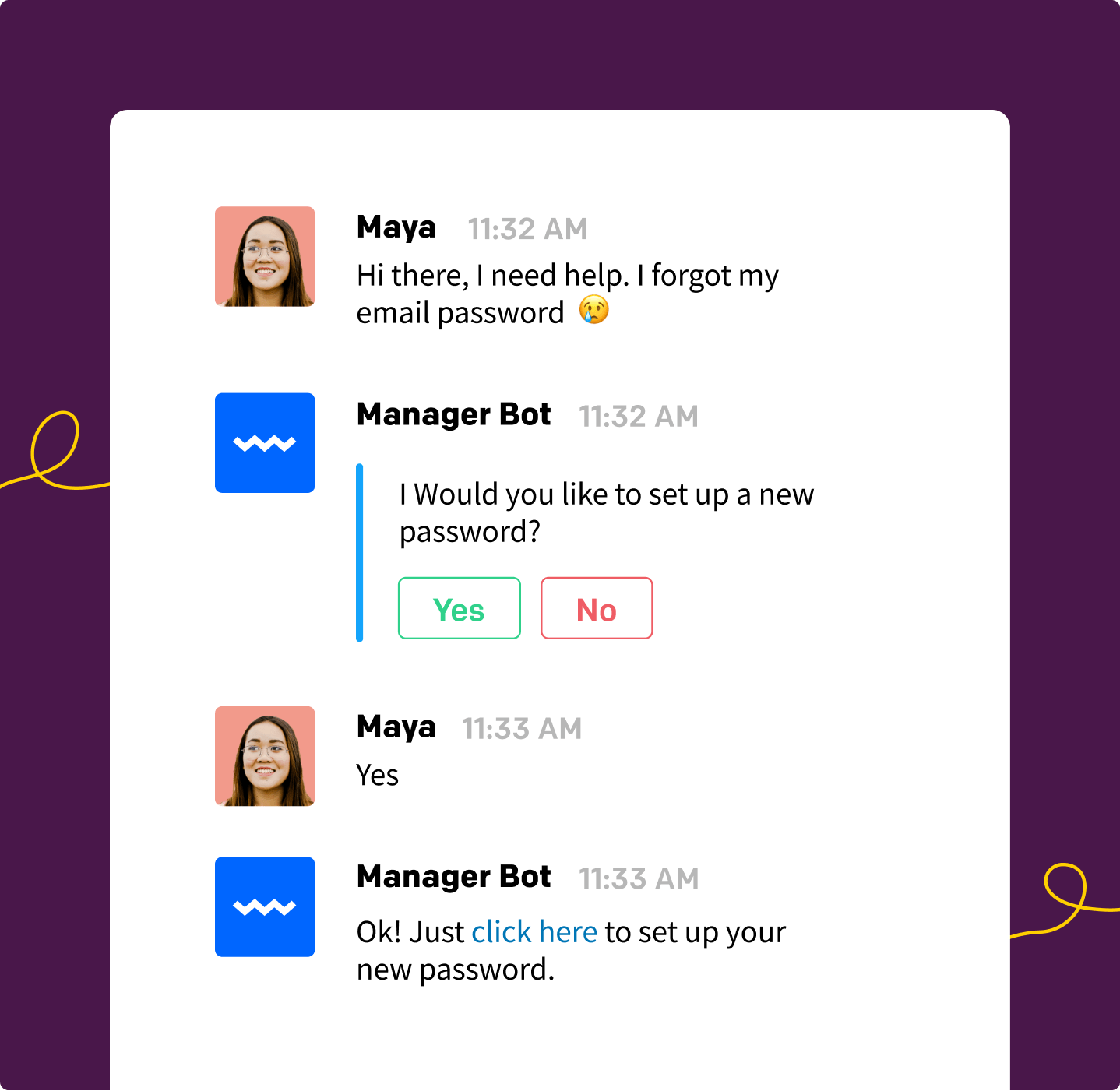
- Summarize threads
- Answer questions from history
- Generate updates
Slack is increasingly becoming an AI-powered workspace, not just chat.
Best for: Reducing information overload
How to choose the right Slack apps
Don't install everything.
A good setup usually looks like:
- Core dev stack: GitHub + CI/CD + PagerDuty
- Execution layer: Jira or task tool
- Automation: Zapier
- New layer (emerging): decision enforcement (Mo)
Most teams already track tasks.
Very few track whether the code actually follows decisions.
That's the gap.
Final thought
Slack already connects everything - over 2,600 apps are available.
The question isn't what tools you use.
It's what problems you choose to solve:
- Tasks -> Jira
- Code -> GitHub
- Incidents -> PagerDuty
- Decisions -> Mo
And that last one is where most teams still break.
TL;DR
- Great Slack stacks combine GitHub, CI/CD, incidents, and task flow
- Mo adds a missing layer: decision-to-code enforcement
- Most teams track tasks; few verify code matches approved decisions